
Virtual staging
Explore a wood-rich, layered home or a contemporary Nordic interior with defined forms and material contrast.
Warm NordicModern Nordic
Style your space AURORA AI STUDIO / FOR HOMES
AI-powered virtual staging and furniture removal. Start with a residential photo and see your space in a new light.
Open AI Studio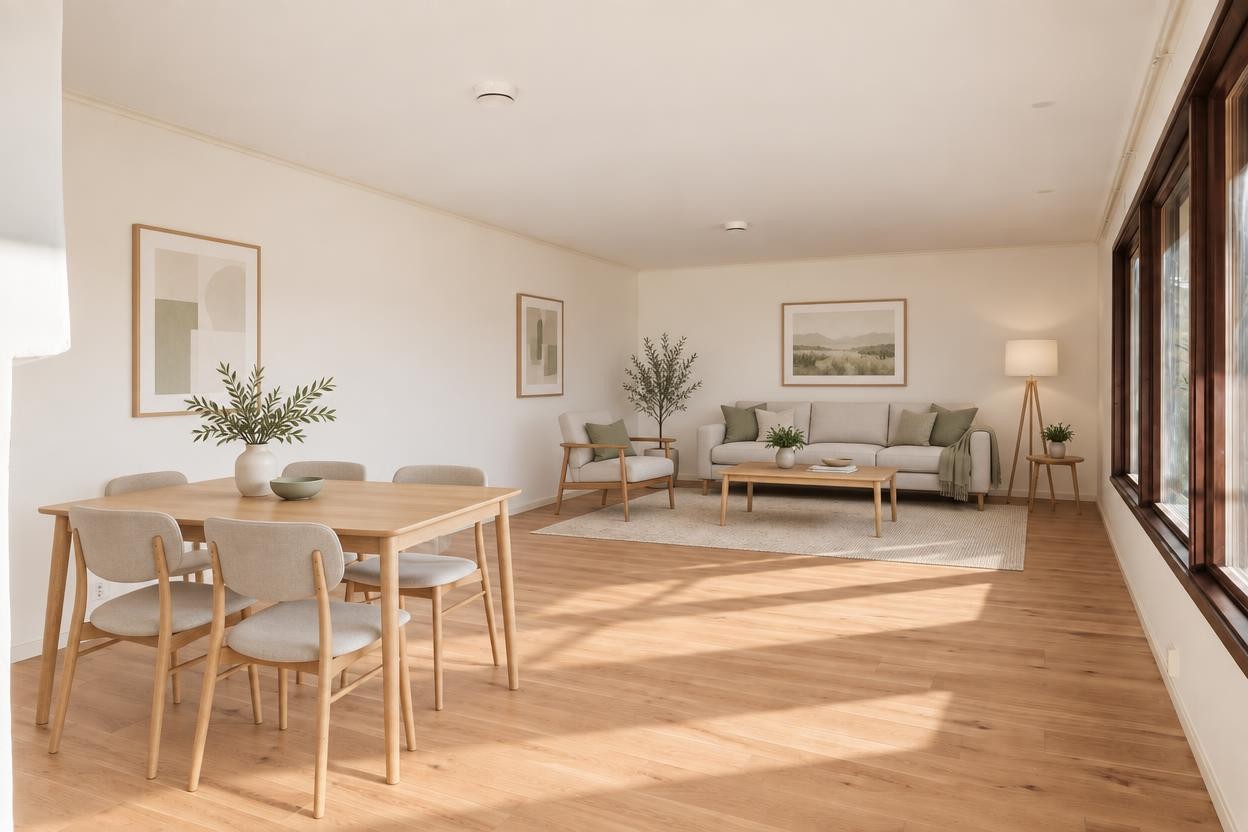
A NEW WAY TO SEE HOME
For living rooms, bedrooms and hallways.
Start with the photograph you already have.
Explore a wood-rich, layered home or a contemporary Nordic interior with defined forms and material contrast.
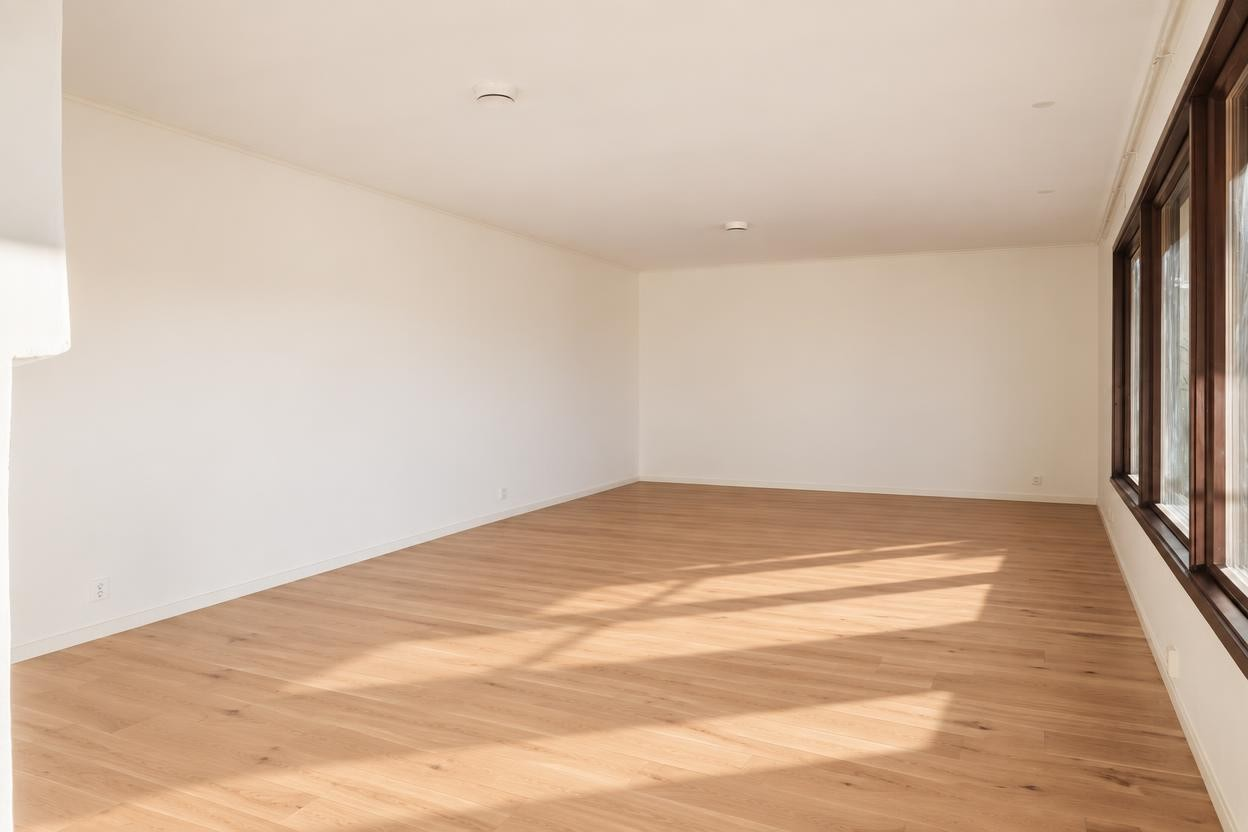
Clear furniture, fitted furniture units, decor and decorative pendants. Reveal an empty room, with its doors, windows and basic lighting retained.
FROM YOUR PHOTO TO A NEW PERSPECTIVE
Choose a clear, well-lit photograph of your residential interior.
Select virtual staging and a style, or clear the furniture from your room.
Compare before and after, optionally adjust walls and flooring once, then download your watermarked preview.
A FEW PRACTICAL DETAILS
No. Virtual staging can start with an empty or furnished residential room. Choose furniture removal when you want to see a cleared space.
The preview follows your photo’s proportions. A photo very close to a standard ratio, such as 16:9, uses that ratio. Unusual ratios that cannot be supported are flagged before generation. Your original file stays unchanged.
Sign in with your verified email to check availability. The free Demo includes one watermarked preview every 24 hours, plus one optional wall and floor adjustment to that preview, subject to available capacity. You can change walls, flooring, or both in the same adjustment. The 24-hour wait starts when the first preview is successfully completed; the included adjustment does not restart it. Both previews share the photo’s original availability deadline. Your account shows when the next preview is available.
Use a property photo you own or have permission to upload and edit. Avoid identifiable people, personal documents and other sensitive details.
In the online preview, your uploaded photo and its preview share a 72-hour availability period, starting from upload. Download your preview before the displayed deadline. Access ends at expiry and the files are scheduled for deletion. Account and security records have separate retention rules.
AI images can change or miss details. Review the furnishings, lighting, windows, doors and room layout before sharing. The downloadable preview includes the Aurora watermark.
YOUR HOME. A NEW PERSPECTIVE.